


Compress a PDF in Your Browser
Drop a PDF, choose a compression level, and download a smaller file. Everything runs in your browser, so sensitive documents never leave your device.
Compress a PDF in 3 steps
Choose a PDF
Drag and drop a PDF or click to select one. The file is read only inside your browser.
Pick quality
Use small, balanced, or clear quality. Turn on grayscale for scans and receipts when color is not important.
Download the smaller PDF
Each page is rebuilt as a compressed image and saved as a new PDF.
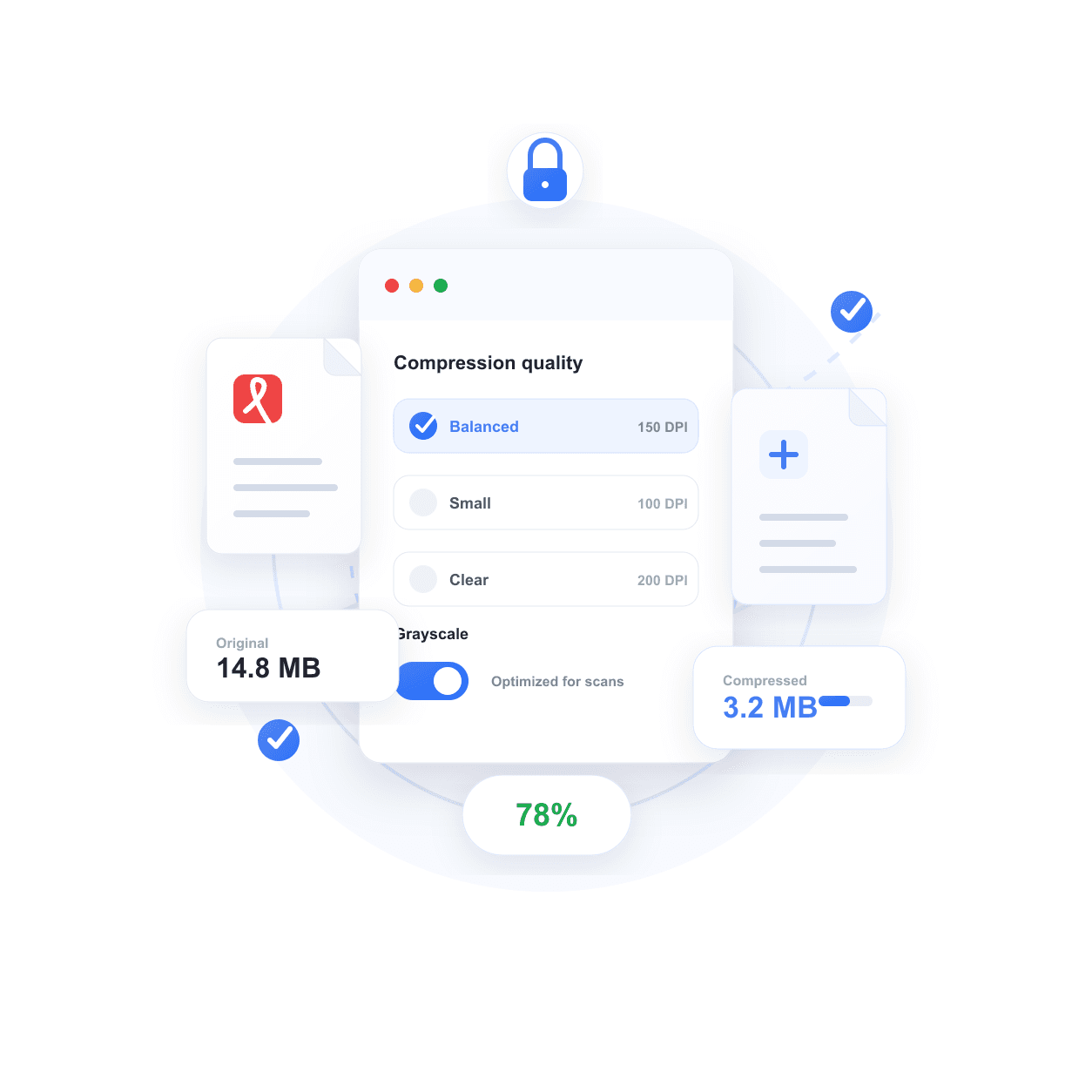
Compress sensitive PDFs
without sending them to a server
Contracts, invoices, HR files, and financial documents stay on your device. The browser renders each page and builds the compressed file locally.
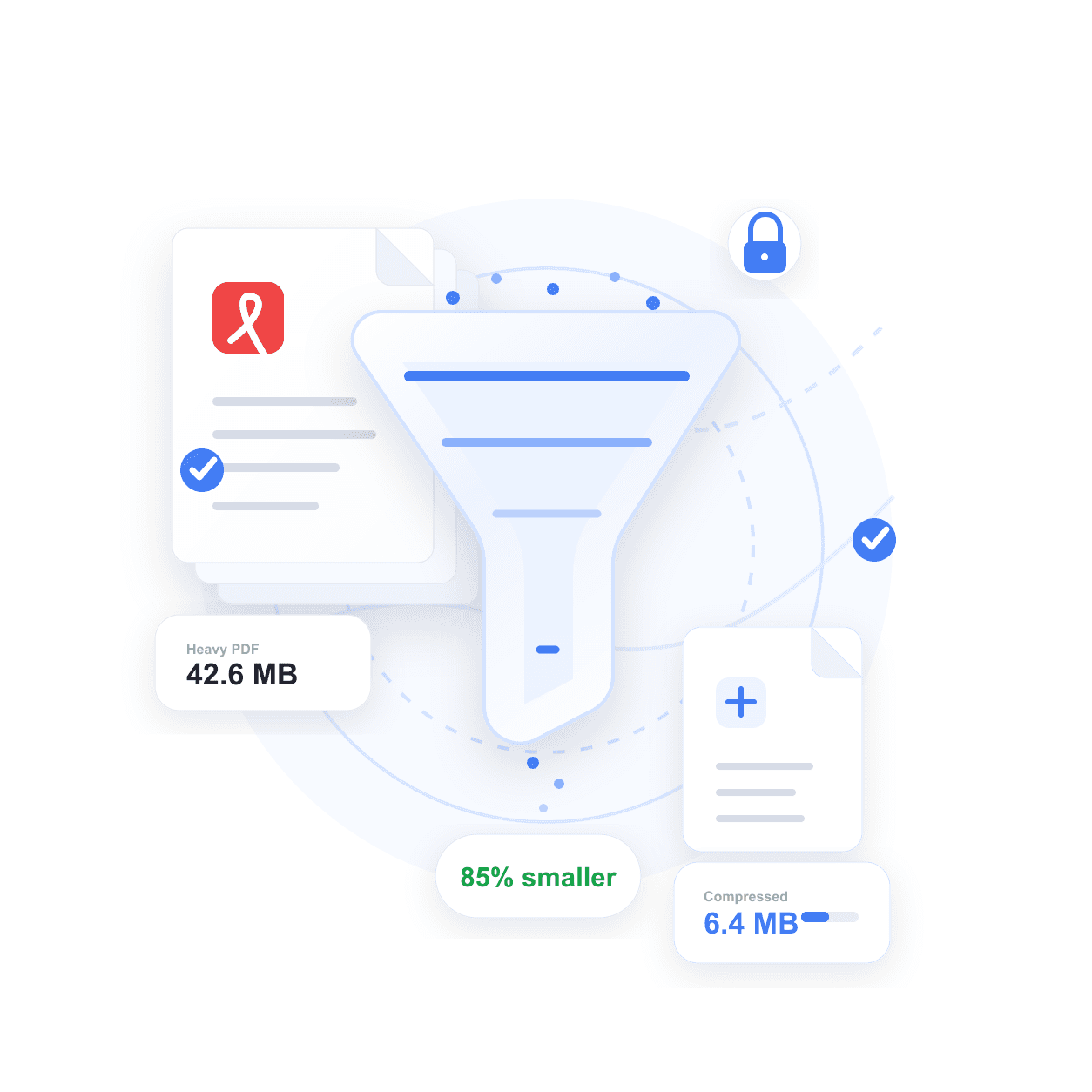
Choose smaller files
or clearer pages
Use the size preset for email attachments, balanced for everyday sharing, or clear when you need readable scans and image-heavy documents.
Frequently asked questions
Need more than
a smaller PDF?
For contracts, compression is only one step. Nadoo e-contracts handles signer invitations, legal digital signatures, status tracking, and audit trails stored for up to 10 years.
| Feature | This free tool | Nadoo e-contract |
|---|---|---|
| Compress PDF locally | ✓ | ✓ |
| No server upload | ✓ Browser-only | ✓ Secure workflow |
| Legal digital signature | — | ✓ PKI-based |
| Signer workflow | — | ✓ |
| Audit trail retention | — | ✓ Up to 10 years |

