


Free UTM Builder
Create clean campaign URLs with utm_source, utm_medium, utm_campaign, utm_term and utm_content for GA4 tracking.
Build a UTM link in 3 steps
Enter the landing page
Paste the page where visitors should arrive.
Fill campaign fields
Add source, medium, campaign name and optional term/content values.
Copy and use
Use the generated URL in ads, email, social posts or QR codes.

Make every QR, ad and email
measurable in GA4
UTM parameters let you compare channels and campaigns instead of guessing where leads came from.
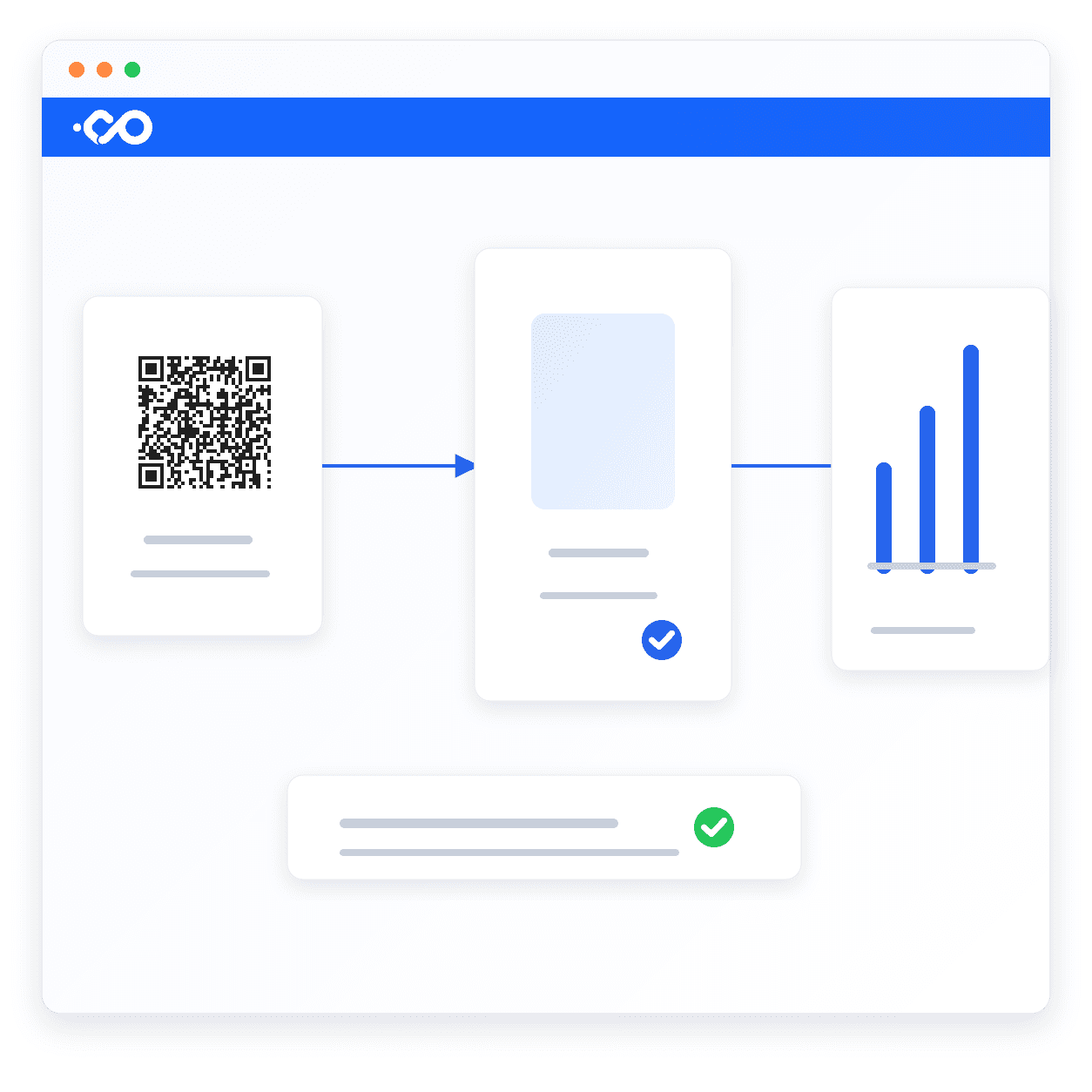
Pair UTM links with QR codes
for real-world traffic tracking
Add campaign parameters before turning links into QR codes for posters, cards, events and store signs.
Frequently asked questions
Tracking links are only useful
when the landing page converts.
Use Nadoo AI Website Builder to create campaign pages with responsive layout, forms, analytics and multilingual SEO basics already connected.
| Campaign flow | This free tool | Nadoo AI site |
|---|---|---|
| Build UTM URL | ✓ | ✓ |
| Landing page creation | — | ✓ AI-generated |
| Lead capture forms | — | ✓ Built in |
| Analytics setup | Manual | ✓ GA4 ready |
| Multilingual campaign pages | — | ✓ 15 languages |
Related tools
Free QR Code Generator
Encode URLs, Wi-Fi and contacts into QR codes — download as PNG or SVG.
Open toolWebsite SEO Checker
Check title, description, schema, OG tags and hreflang from one URL.
Open toolOG / Link Preview Tester
Preview Facebook, X, LinkedIn, Slack, and KakaoTalk link cards at once.
Open tool
